 CalendarTaskBot Market Grok Bots
A day plan that fits your real calendar.
Send a calendar screenshot or paste your to-do list. Calendar Assistant builds a daily agenda with focus blocks and buffers, flags clashes and finds meeting times across time zones.
Free to install. Works in Safari on iPhone and Chrome on Android.
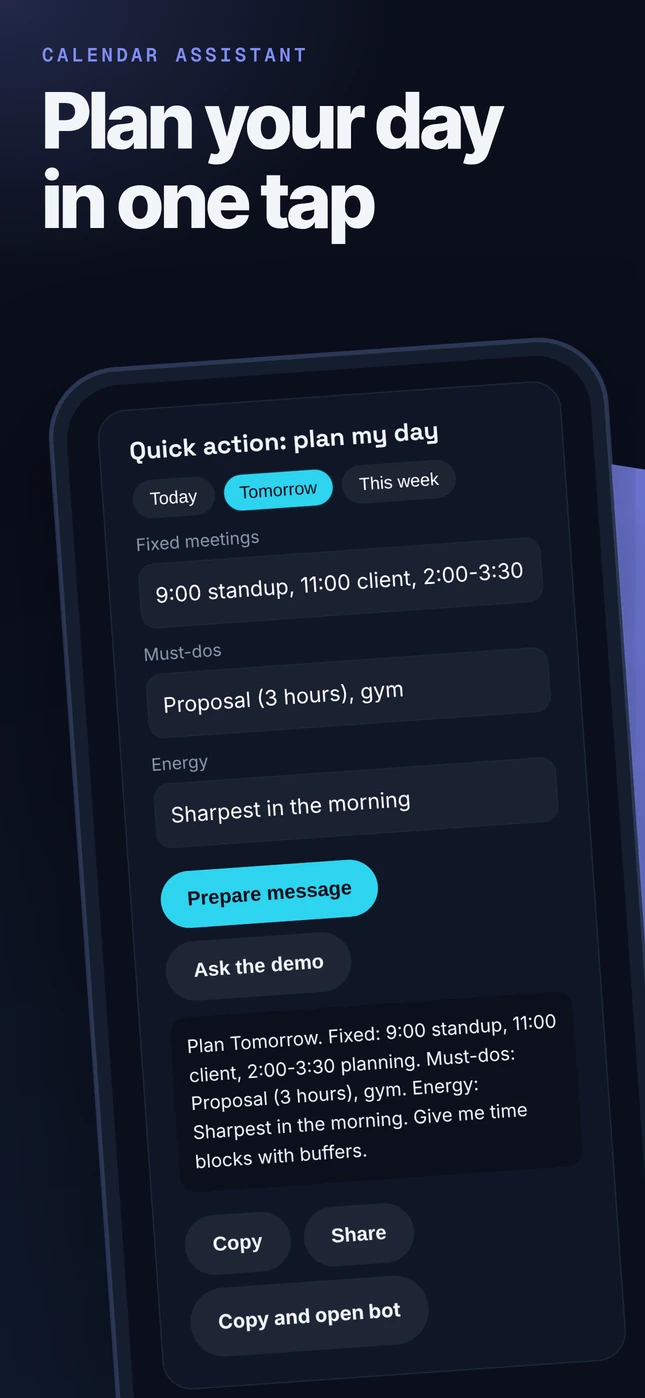
Quick action: plan my day
Works with Grok Bot
- Works with your iPhone
- Check-ins on a schedule
- Remembers your setup
- Live dashboard page
- Drafts you approve
- Voice recaps
- Meeting notes
- Works with your iPhone
- When your phone is paired to Grok Bot: read the phone calendar before any agenda, free-time search or conflict check; add, move or delete an event or focus block only after you approve the exact change; pull due to-dos into the day plan.
- Check-ins on a schedule
- Morning agenda and Sunday weekly review, created only after you say yes.
- Remembers your setup
- Remembers working hours, time zone, energy peaks and protected personal time.
- Live dashboard page
- A weekly plan board with focus blocks and open time.
- Drafts you approve
- Decline, reschedule and invite messages as drafts you review and send.
- Voice recaps
- A spoken morning brief when you ask for audio.
- Meeting notes
- Join, summarize or read the transcript of a Meet, Zoom or Teams call when asked.
- No phone paired?
- It uses the Google Calendar or Outlook Calendar connector, or a pasted week or .ics text.
You approve every change.
A real result
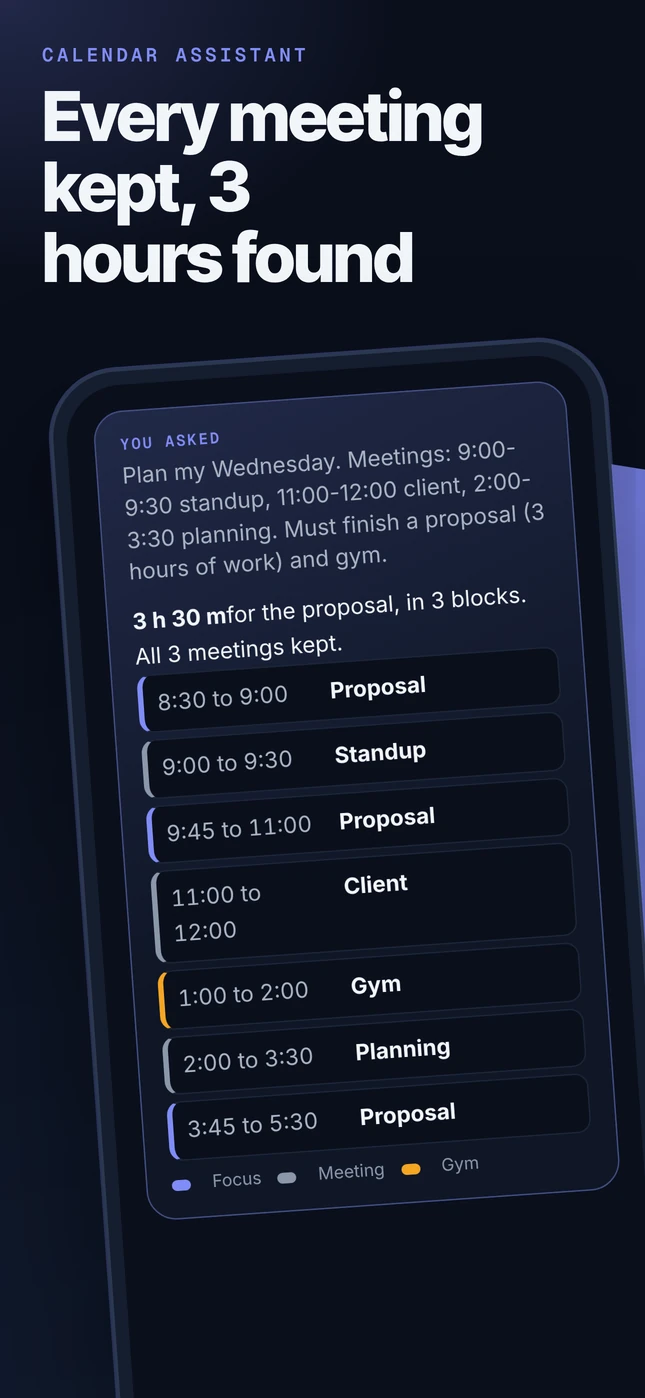
From an in-house test run of the Pro kit. Excerpt, tidied for a phone screen. Results vary with what you send.
You askedPlan my Wednesday. Meetings: 9:00-9:30 standup, 11:00-12:00 client, 2:00-3:30 planning. Must finish a proposal (3 hours of work) and gym.
Focus Meeting Gym
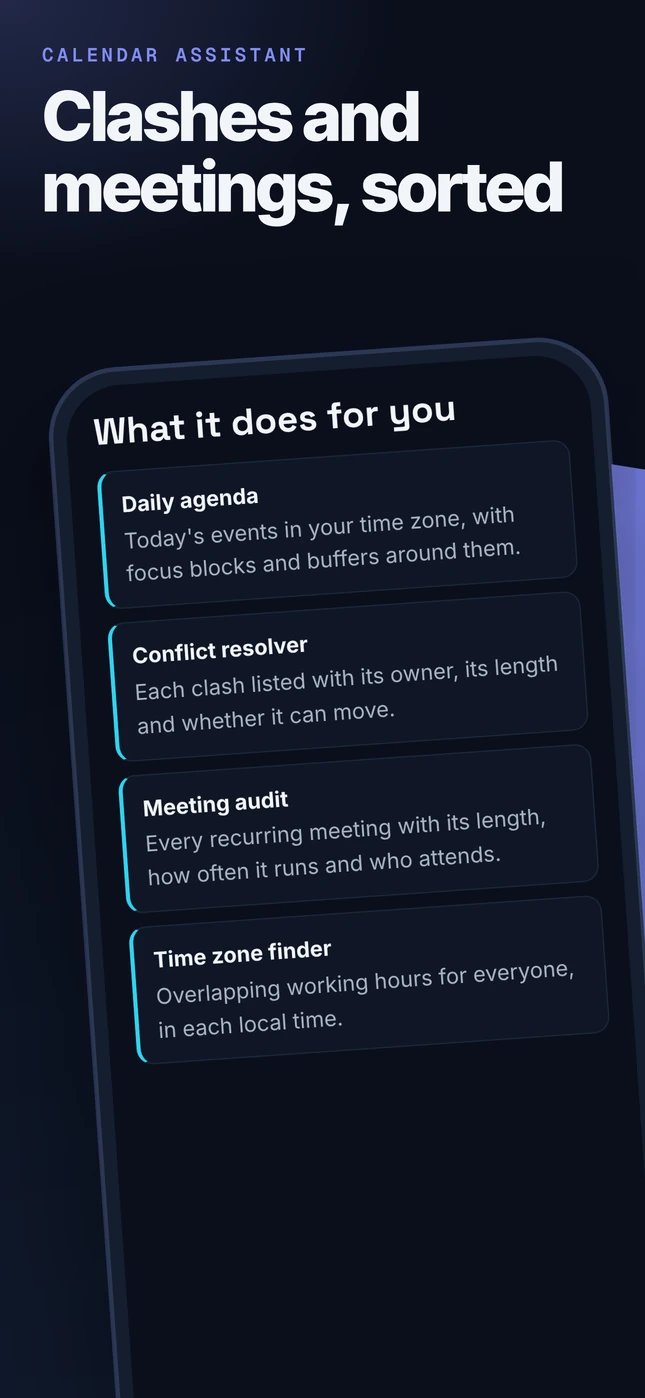
What it does for you
- Daily agendaToday's events in your time zone, with focus blocks and buffers around them.
- Conflict resolverEach clash listed with its owner, its length and whether it can move.
- Meeting auditEvery recurring meeting with its length, how often it runs and who attends.
- Time zone finderOverlapping working hours for everyone, in each local time.
These workflows come with the Plus and Pro kits. The free Grok Bot and the Basic kit cover the core job.
See it on your phone
Real screenshots of this page on a phone, nothing mocked up. The first one is the real result above.
Add it to your Home Screen
About 20 seconds. These are illustrations, your screen may look a little different.
1. Tap Share
Open this page in Safari, then tap Share. On Android, tap the Chrome menu.
2. Add to Home Screen
Tap Add to Home Screen. Keep Open as Web App on, then tap Add.
3. Tap Calendar
It opens full screen like an app, with the quick action and chat bubble ready.
Widget and Apple Watch
Home Screen widget
Build a 2-minute Shortcut, then add the Shortcuts widget.
Apple Watch
Turn on Show on Apple Watch and add it as a complication. Speak, read the reply on your wrist.
Pro tier perk
The Pro tier kit includes this widget and watch setup guide plus the full engine and premium playbooks.
Read the Shortcut guideChoose your look
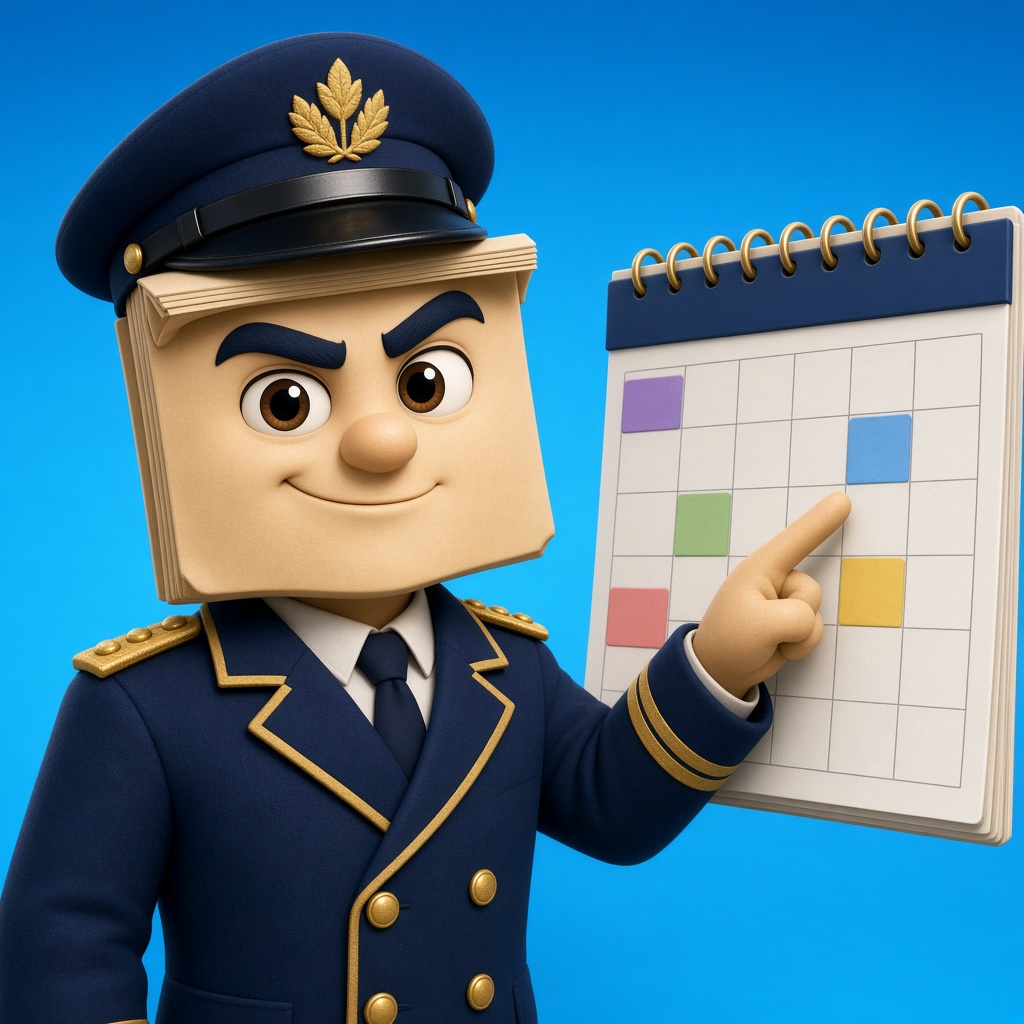
Dress up your bot. Every look is an original character with its own voice, catchphrase and emoji style, and the same expert coaching underneath.
Calendar Assistant
Friendly starship commander with a planner.
"Agenda locked. Engage." 🚀📅🫡

Morning Show Host
Upbeat morning host with a big mug.
"Coming up after the break: focus time." 📺☕🌅

Time Zen Monk
Calm monk with an hourglass and bonsai.
"Space between meetings is time too." 🧘⏳🌿

Air Traffic Controller
Controller in a headset with flight strips.
"Cleared for focus, runway two." 🛫🎧📡
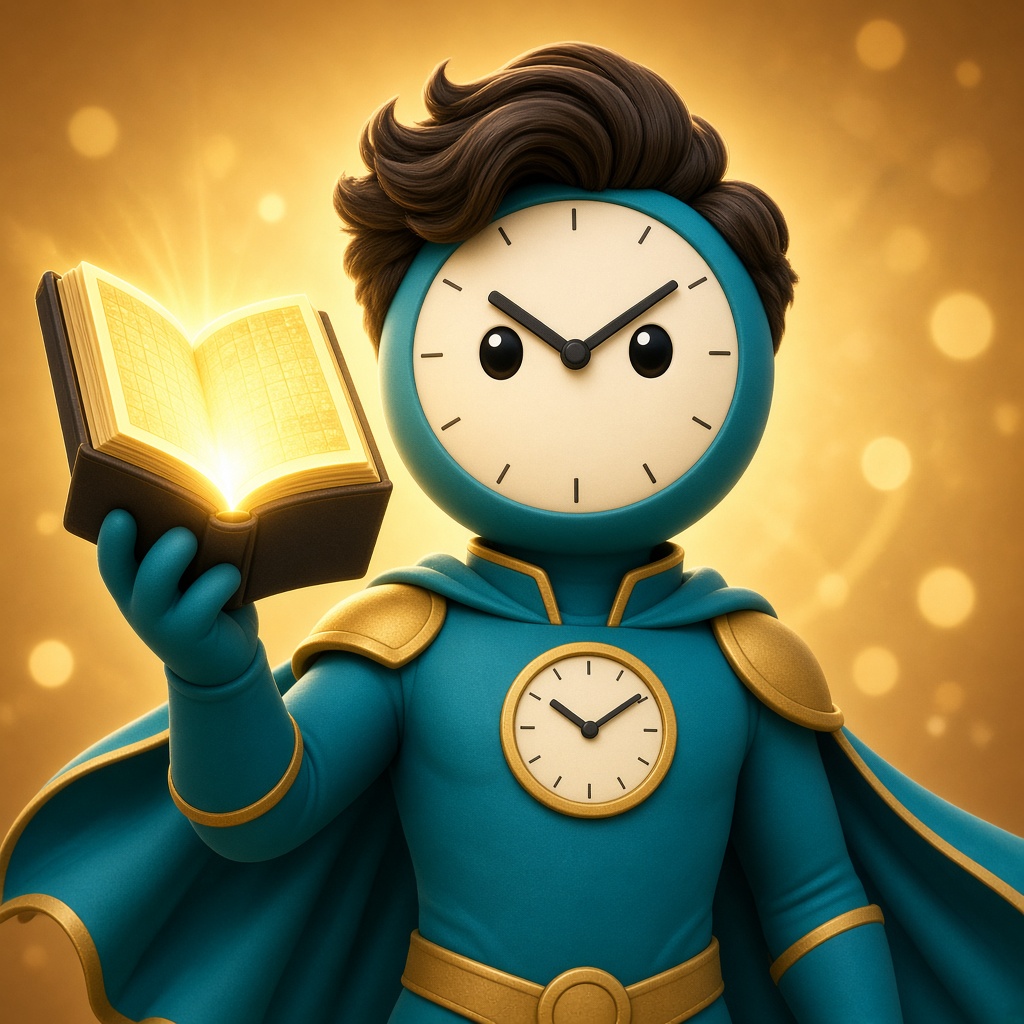
Action Hero Planner
Action hero in shades holding a giant calendar.
"No meeting survives without an agenda." 🕶️💥🗓️

Schedule DJ
DJ mixing time blocks like tracks.
"Deep work drop at 9." 🎧🎚️⏰
Accessory locker

Commander cap, Pocket watch, Planner, Headset, Shades, Medal, Hourglass, Coffee mug, Smartwatch.
Basic: 1 signature look. Plus: 3 looks plus 3 accessories. Pro: all 6 looks, the full locker in any combo, a custom bot name, accent color and personality dial.
In chat, say "change look" and the bot switches its voice and sends your new avatar to set as its picture. Original characters, not real people. Unofficial, not affiliated with anyone.
Get the full Calendar Assistant
Paid kit not on sale yet, free to try.
Basic: system prompt, knowledge file, setup guide and 1 signature look. Plus adds 5 advanced workflows, the connector guide and 3 looks. Pro adds premium playbooks, prompt packs, a self-check checklist and all 6 looks.
This kit is not on sale yet. The free Grok Bot works now.
Bots can be wrong. Check anything important. Unofficial, not affiliated with Google, Apple or xAI. iPhone, Apple Watch, Siri and Shortcuts are trademarks of Apple Inc.